
Stay Awake
Keep your screen awake during charging, reading, or navigation—without draining battery
Features
⚡ Always Awake
Keep screen on while charging, USB connected, or specific apps are active. Perfect for reading recipes, following tutorials, or GPS navigation.
🔋 Battery Saver
Automatically stops when battery drops below your threshold. Smart power management ensures your device doesn't run out of juice.
👜 Pocket Mode
Detects when your device is in your pocket or face-down to save power. No more accidental activations in your bag.
🌙 OLED Saver
Dimming overlay and refresh rate optimization for OLED screens. Minimize burn-in and reduce power consumption.
See It In Action
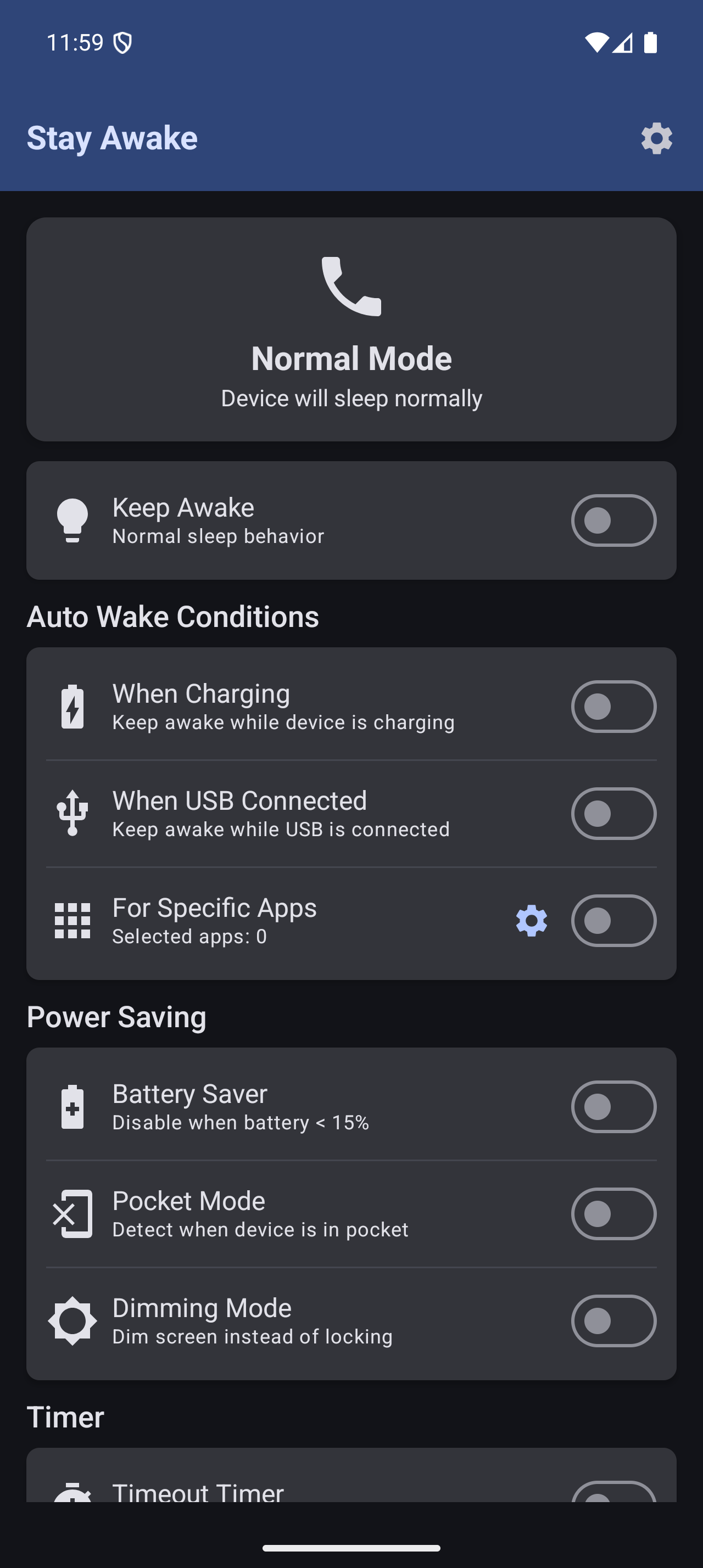
Main Screen
Simple toggle to keep your screen awake
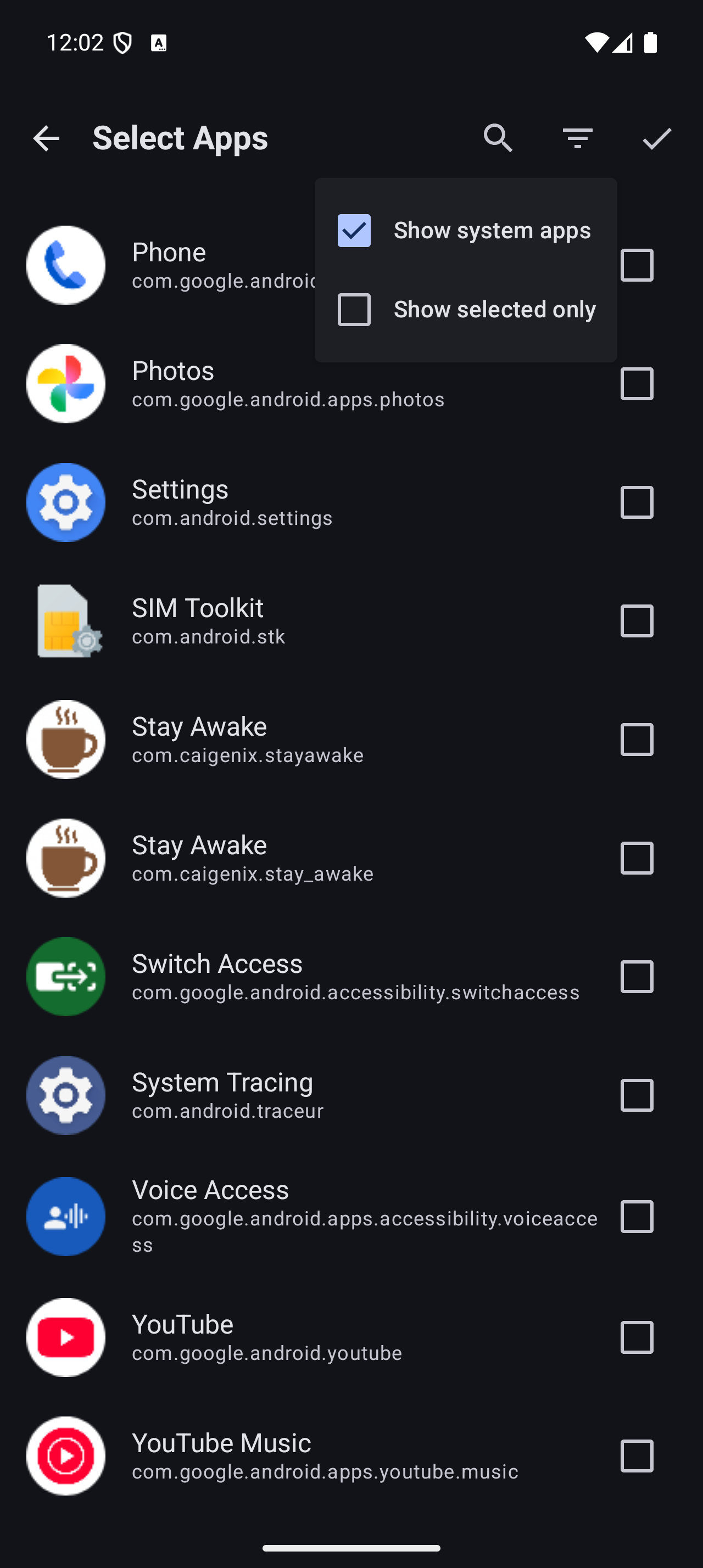
App Selection
Choose specific apps to stay awake
Frequently Asked Questions
The overlay permission allows Stay Awake to show a dimming layer on top of other apps. This enables the OLED Saver feature and brightness control without requiring system-level permissions.
No! Stay Awake is designed to be battery-efficient. It uses minimal resources and the Battery Saver feature automatically stops when your battery is low. The OLED Saver mode actually reduces power consumption on OLED screens.
Always Awake keeps your screen on all the time (great for charging overnight). Specific app mode only keeps the screen awake when certain apps are in the foreground (perfect for recipes, navigation, or reading apps).
Ready to Get Started?
Download Stay Awake now and take control of your screen timeout.
Get it on Google Play